
How to download a GEDCOM file from WikiTree
Official help checked . Menus can change. These instructions are based on official help, not a tested account export.
Find WikiTree’s GEDCOM download tool, choose an ancestor or descendant branch and respect access permissions when saving a local copy of the shared tree.
You can download a GEDCOM file from WikiTree using its Download GEDCOM tool. Choose the starting profile and the ancestor or descendant scope offered. Your download contains the branch you choose, rather than everyone connected to you.
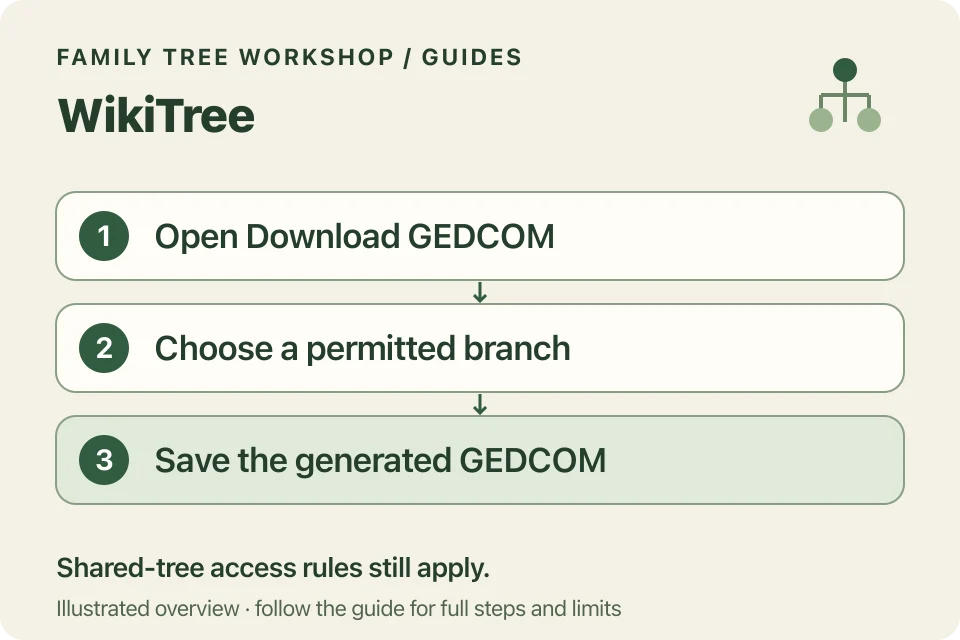
Start at WikiTree’s download tool
- Sign in to your WikiTree account.
- Open the official Download GEDCOM page linked below.
- Select the starting profile and the ancestor or descendant options available to you.
- Review the current scope, privacy and generation limits shown by the tool.
- Request the file and save the generated GEDCOM link locally when ready.
These steps are based on WikiTree’s public help; we haven’t tested its signed-in export screen. Check the generation limit shown in your account, as older tutorials may give a different number.
Which profiles can be included?
WikiTree’s shared-tree protection guide describes downloading ancestors or descendants of a public person, or of a private person when you are on the Trusted List. Respect those access rules when choosing the starting point.
Even when you can download a branch, check relatives’ privacy before sharing it. Review the exported data and keep source research intact.
Are image files inside the GEDCOM?
WikiTree explains that its exports contain image links rather than the images themselves. Keep separate copies of important photographs and PDF records. A link to an image is not a backup of the image itself.
Workshop does not retrieve these links. It creates supported charts and factual reports from the local GEDCOM facts.
What if the download opens as text?
GEDCOM is structured text. Save the generated data file using your browser’s download action and keep the .ged extension. Do not save a screenshot or a whole website instead, and do not rename an unrelated HTML page to .ged.
Once saved, open the file in the converter. Review repeated ancestors and unknown slots before increasing the chart size. The printing guide explains layouts and privacy controls.