
How to export a GEDCOM file from Geneanet
Official help checked . Menus can change. These instructions are based on official help, not a tested account export.
Export your Geneanet family tree through its GEDCOM menu, choose UTF-8 encoding and keep accented names intact when preparing your printable tree.
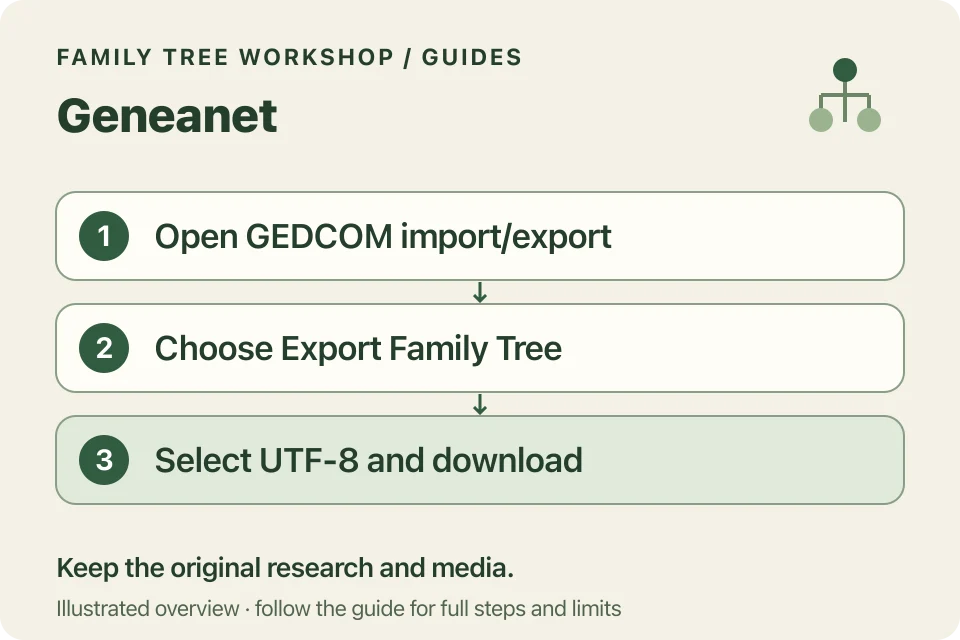
To export a GEDCOM file from Geneanet, open Family Tree → Import/Export a GEDCOM File, choose Export → Export Family Tree, select UTF-8 and download. Check the encoding before leaving this screen.
Download your Geneanet tree
- Sign in to the account containing your tree.
- Open Family Tree, then Import/Export a GEDCOM File.
- In the left sidebar, choose Export, then Export Family Tree.
- Select UTF-8 for the character encoding.
- Choose Download and save the file to your device.
Choose Export to make a copy of your tree. You don’t need to import anything back into Geneanet.
Why choose UTF-8 rather than ASCII?
Geneanet documents both options and recommends UTF-8 for accented characters and languages other than English. Workshop also requires UTF-8, so choose it for this download.
If an older file has the wrong encoding, export again. Renaming its extension does not convert its text. After import, inspect a few accented names before spending time on layout.
What else should you preserve?
Keep your original research and media backups. The GEDCOM is exchange data, not a guarantee that every photograph and document has been packaged with it. Workshop does not retrieve linked media or websites.
Keep any notes about uncertain dates or relationships, along with the documents you used in your research. Downloading a GEDCOM doesn’t check whether those facts are correct.
What can you print?
The local converter creates ancestor/descendant trees, ancestor fans and factual report PDFs. Start with a branch you’d like to print. You can add more generations once you’re happy with the layout.
Keep living-person masking on while reviewing shared output. Use tiled pages if a single sheet makes text too small; the printing guide explains how to assemble them without changing the print scale.