
Can you export a GEDCOM file from FamilySearch?
Official help checked . Menus can change. These instructions are based on official help, not a tested account export.
FamilySearch has no current direct Family Tree GEDCOM export. Learn the compatible-app option and why the former eight-generation export is not reliable.
FamilySearch currently directs you to compatible apps to download a GEDCOM from Family Tree. Its help centre directs users to compatible third-party products, and the former eight-generation export page says that resource no longer supports GEDCOM export.
What happened to the eight-generation download?
The former export page still contains descriptions of an eight-generation GEDCOM 7 download, but its notice says the resource is no longer supported. Read that notice before following older tutorials. The old FAQ may still appear in searches, but it is not confirmation that the download works.
How can you get a local GEDCOM instead?
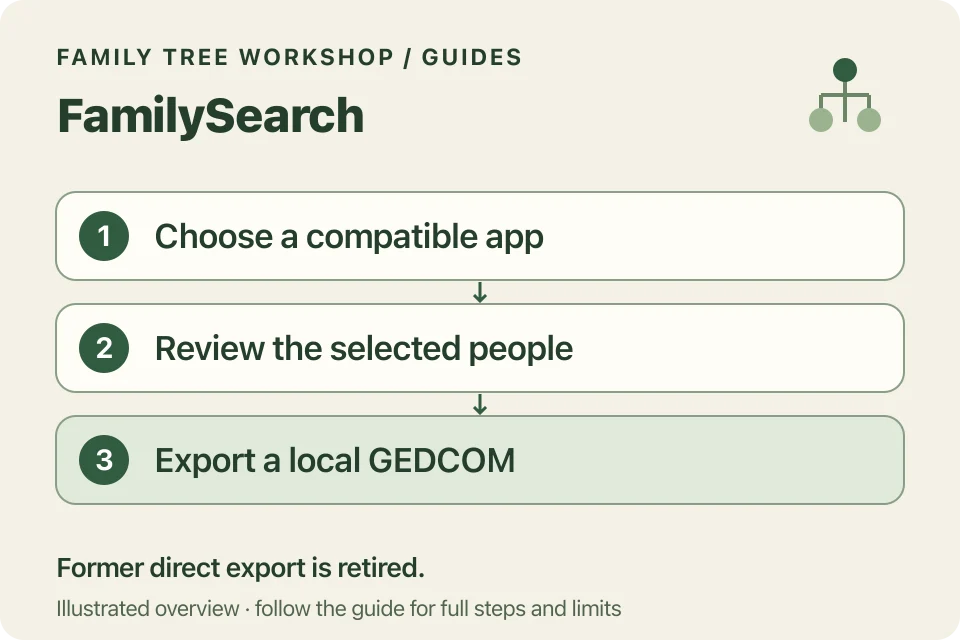
Use a compatible Family Tree Management app to obtain the relevant data, then use that product’s export function.
- Visit the official FamilySearch Solutions Gallery.
- Review its Family Tree Management apps and their documented connection/export features.
- Follow the chosen product’s instructions to connect your account and select the people or generations needed.
- Review the resulting local tree, including spouses, parents and branch choices.
- Export from that product as a UTF-8 GEDCOM supported by your destination tool.
Permissions, costs and scope depend on the app. Each app has its own menus, so follow the instructions for the one you choose.
Is this the same as uploading to Genealogies?
No. The GEDCOM upload process adds a file to FamilySearch’s Genealogies/Pedigree Resource File service. It does not download a new GEDCOM from the collaborative Family Tree. Retain the original file you uploaded if that is the copy you need.
Will it include every relative and source?
Check the chosen app’s selection and limits. A collaborative tree is not automatically a complete local copy of everything connected to a starting person. Review branches and sources before treating the export as an archive.
Once you have a file, Workshop’s converter processes it on your device. FamilySearch and the app you choose have their own privacy policies; check those separately.