
How to export a GEDCOM file from Family Echo
Official help checked . Menus can change. These instructions are based on official help, not a tested account export.
Use Family Echo’s Download controls to save a GEDCOM, distinguish it from FamilyScript or HTML backups and prepare the right file for a printable tree.
To download a GEDCOM file from Family Echo, open the family and use Download beneath the tree. Choose GEDCOM when offered. Family Echo also documents a read-only HTML backup with footer links to GEDCOM and FamilyScript versions.
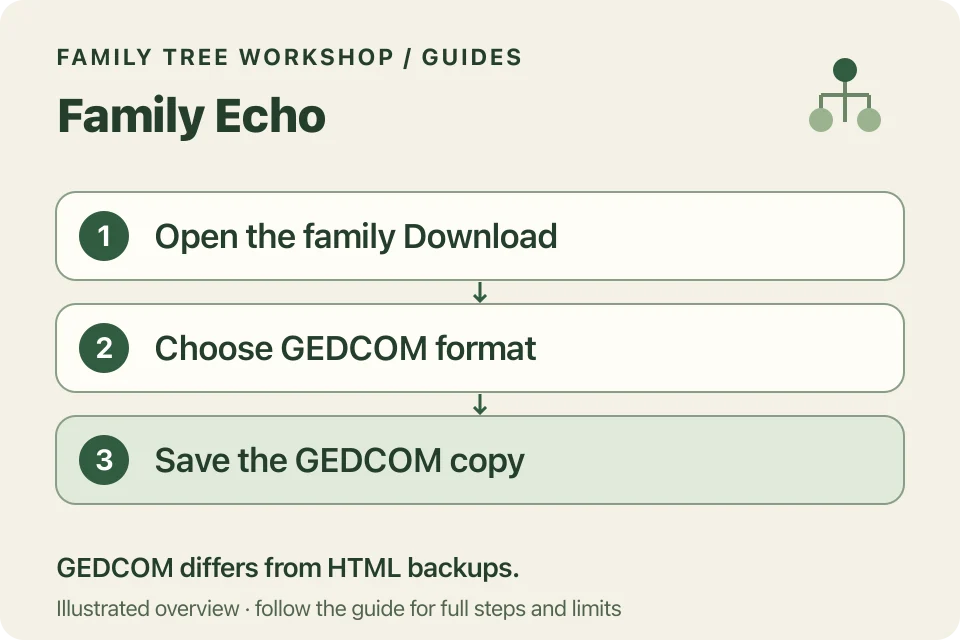
Download your GEDCOM
- Open the family you want in Family Echo.
- Choose Download below the tree.
- Review the formats and choose GEDCOM for transfer to a GEDCOM reader.
- Save the file locally and check its extension.
Family Echo’s support account describes the older control as Download/export this family. Its current public page uses Download, so an older screenshot may not match your layout exactly.
What if you have an HTML backup instead?
The official FAQ says Family Echo’s read-only HTML backup contains footer links to GEDCOM and FamilyScript data. If it is an original backup you obtained from Family Echo, use its GEDCOM link to save the GEDCOM file.
The converter needs the GEDCOM file, rather than the HTML backup. Changing an HTML file’s name to end in .ged won’t convert it. Keep the original backup and select the actual GEDCOM in the converter.
Is FamilyScript the same as GEDCOM?
No. FamilyScript is Family Echo’s own backup format. To use your tree with the Workshop converter, choose GEDCOM. You can keep a FamilyScript backup too.
After moving a tree between programs, check a few relatives and relationships to make sure they came across as expected.
What should you check after importing?
Open the file in Workshop’s converter and check names, partners and parents before exporting. A chart can abbreviate long labels and is not a complete archive of your research.
Family Echo’s privacy policy is separate from Workshop’s local processing. Workshop does not retrieve linked photos or websites. Keep important media separately and use the printing guide for readable PDFs and sharing checks.